
Why Has Pipeline Automation Become Essential in 2026?
Pipeline automation has become essential in 2026 because manual CRM updates, calendar-based outreach, and rep-by-rep stage logic do not scale past 50 active deals. AI-powered pipelines move deals on measurable triggers, score leads in real time, and route handovers automatically, therefore the same SDR team produces more pipeline without proportional headcount growth.
Manual workflows fail at scale
Manual workflows break the moment two reps interpret the same stage differently.
- SDR A logs "Discovery" when a meeting is booked.
- SDR B logs "Discovery" only after the first call is complete.
Therefore the pipeline reports show different stage volumes depending on which rep updated which deal, and forecasting accuracy collapses.
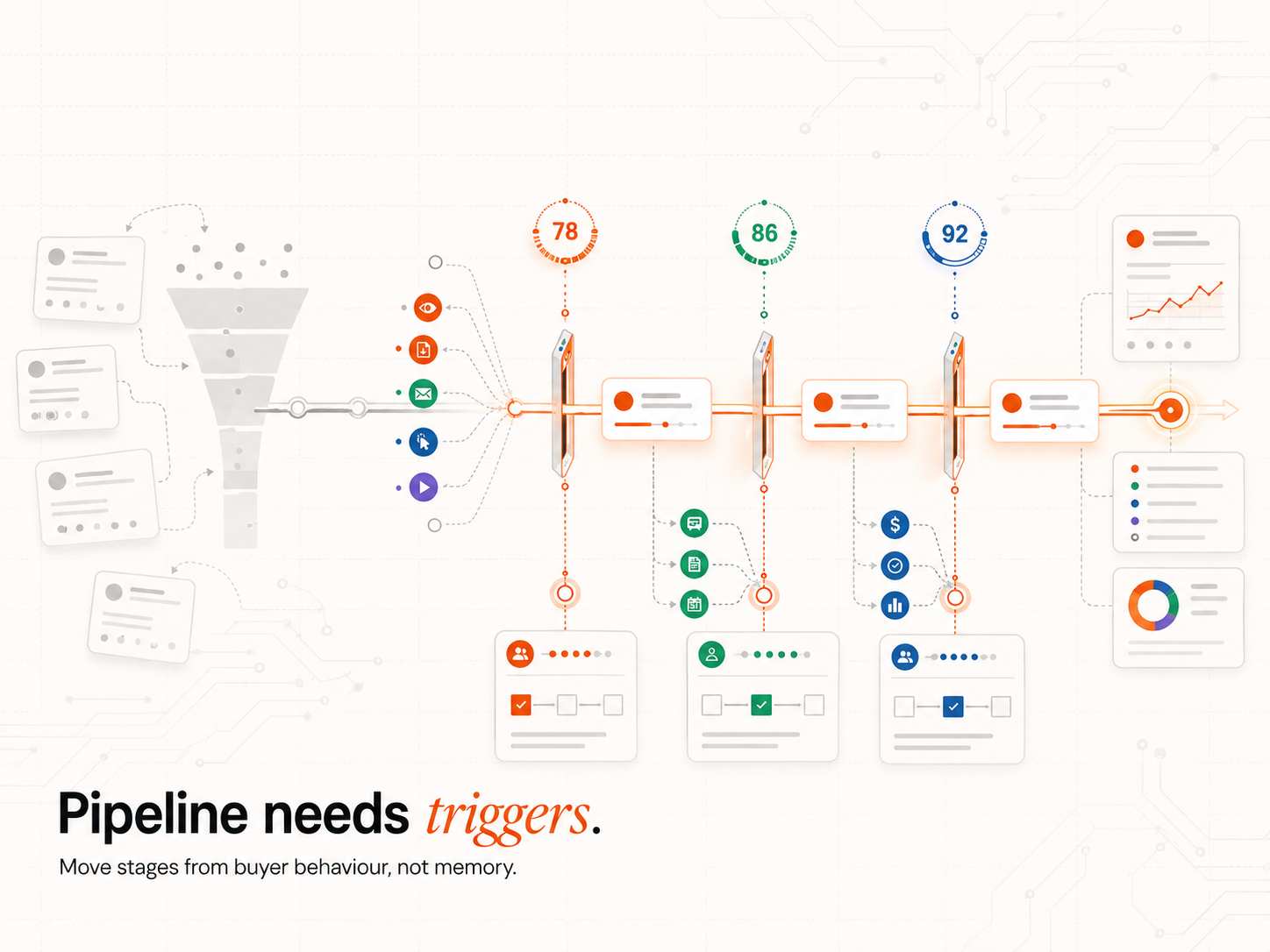
The problem is not the rep, it is the absence of a standard trigger. Pipeline automation forces the trigger to be measurable: meeting booked, document opened, pricing page visited twice within 48 hours. Each rep sees the same signal in HubSpot, the deal moves at the same threshold, the pipeline reports match reality.
The win-rate gap between manual and AI-led pipelines
The gap between manual pipelines and AI-led pipelines shows up in win rates. RAIN Group's 2024 sales win rates benchmark found that the average B2B win rate sits at 47%, but high performers hit 72% on proposed sales. The 25-point gap is the difference between calendar-driven prospecting and pipeline logic that fires on buying signals. AI-led pipelines remove the rep-memory step that costs the average team 25 points of conversion.
For a deeper view of how signal-led automation reduces wasted outreach, the timing layer is the part that matters most.
Step 1: How Do You Define and Standardise Your Pipeline Stages?
You define and standardise pipeline stages by mapping each stage to a measurable buyer event, not a rep judgment call. Lead Created, Qualified (MQL or SQL), Discovery, Proposal Sent, Negotiation, and Closed. Each stage carries a clear definition that triggers automation rules, removing the rep-by-rep variation that breaks most pipeline reports.
Map every stage to a buyer event, not a rep judgment
Pipeline stages should reflect the buyer journey, not the seller's confidence. Use stages such as Lead Created, Qualified, Discovery, Proposal Sent, Negotiation, and Closed-Won or Closed-Lost. Each stage should have a defined entry trigger (meeting booked, proposal opened) and exit trigger (no reply for 14 days, signed contract).
Without standardised triggers, the pipeline reports show different volumes per rep, and forecasting becomes a guessing game.
Why standardisation drives selling time back
Standardisation matters because reps already lack time. Salesforce's 2023 productivity research found that sales reps spend just 28% of their week actually selling, with the rest consumed by deal management, data entry, and follow-ups. Therefore every minute saved on stage admin is a minute returned to revenue conversations.
When Intelligent Resourcing's GTM Engineering services install pipeline automation, the standardisation step is what reclaims the most rep time, because every stage transition that previously required manual logging now fires on a measurable buyer event.
Example, a B2B SaaS 7-stage pipeline
A B2B SaaS company uses 7 stages:
- MQL Received
- SDR Qualified
- AE Discovery
- Solution Proposal
- Stakeholder Review
- Contract Issued
- Closed-Won
Each stage carries a clear entry trigger that the automation layer fires on, with stalled deals flagged automatically after 14 days of no activity.
Step 2: How Do You Assign Triggers and Entry/Exit Criteria for Each Stage?
You assign triggers by mapping each stage entry and exit to a measurable signal, not a vague phrase like "good conversation". Use activity-based triggers (meeting booked, proposal opened) for stage entry, time-based triggers (no reply for 14 days) for stage exit, and AI-scored buying signals for stage acceleration when intent fires.
Activity-based triggers replace vague rep judgments
Each stage entry should fire on a measurable event:
- Discovery = Discovery call completed
- Proposal Sent = Document link opened or proposal sent via tool
- Negotiation = Reply to proposal or contract edits made
Vague signals such as "good conversation" or "feels ready" do not produce reliable forecasts because two reps will interpret the same conversation differently.
Intent signals and scoring thresholds
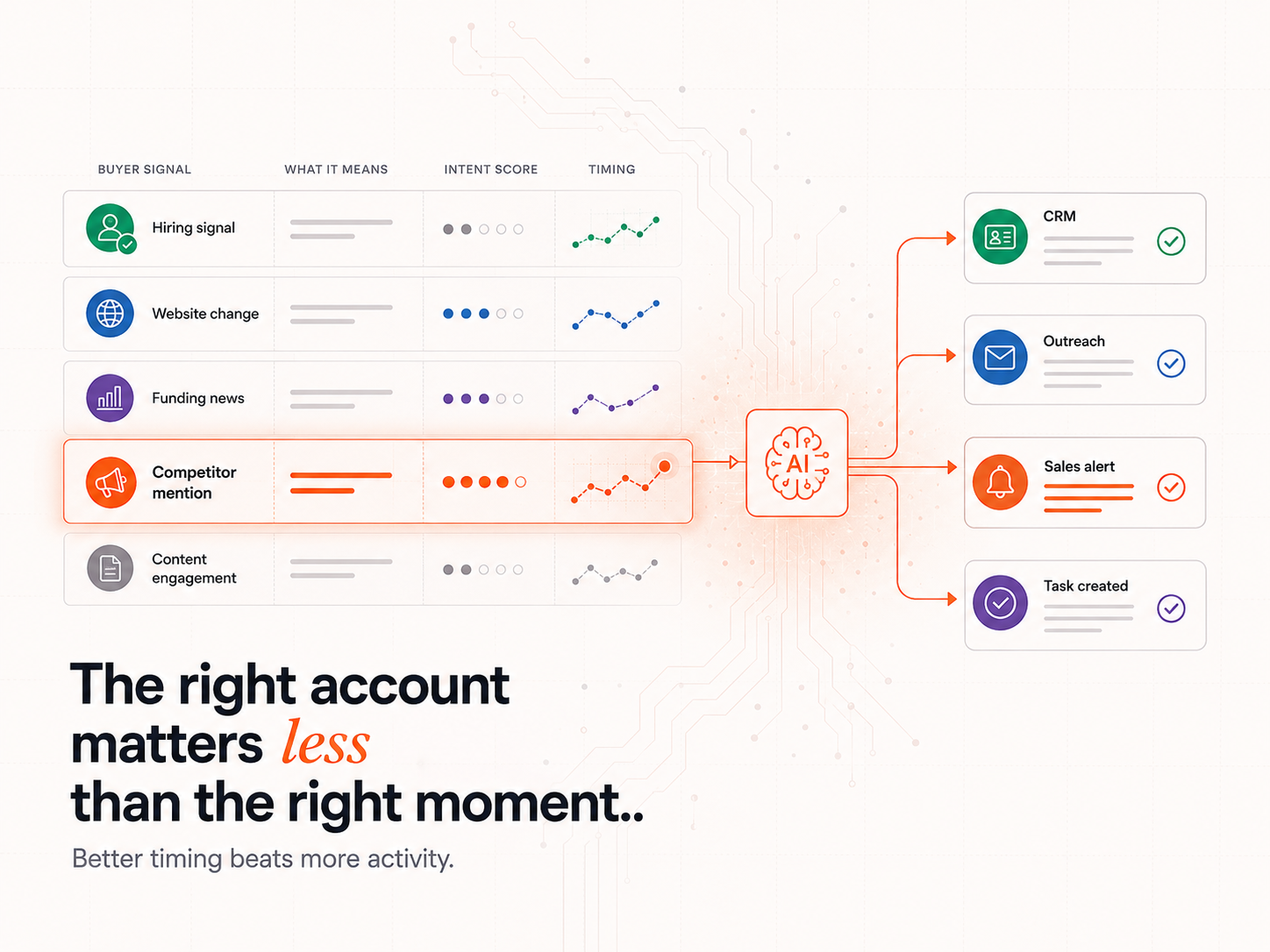
AI lead scoring detects intent through web visits, email opens, content interactions, and CRM history. Combined with lead scoring thresholds, the score auto-progresses leads through the pipeline as they show buying behaviour.
The buying signals that map most reliably to stage progression are funding events, leadership changes, and tech-stack installs, because these are external signals the buyer cannot fake.
Why response time matters
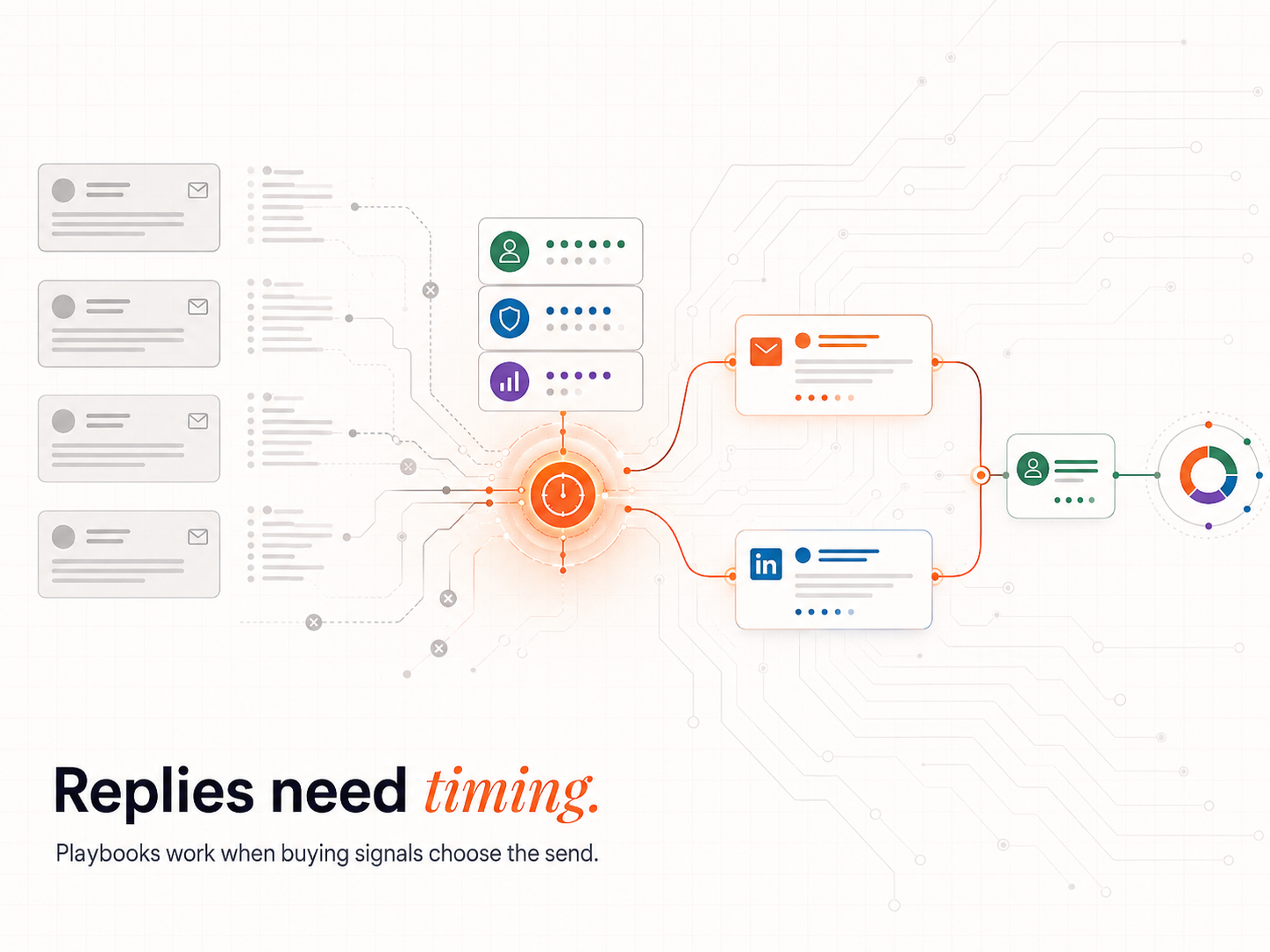
Response time on a fired signal is the single biggest variable in qualification. HBR's 2011 lead response study found that firms contacting a lead within an hour are nearly 7 times more likely to qualify the lead than firms waiting an hour later, and more than 60 times more likely than firms that wait 24 hours. The study is old but the response-time math has not changed.
CRM auto-update conditions
CRM rules in HubSpot or Salesforce should fire on conditional logic:
- If Meeting Booked plus Lead Score above 70, move to Discovery
- If no activity for 14 days, flag as stalled
- If pricing page visited twice within 48 hours, accelerate to Negotiation
Predictive AI scoring rewrites these conditions in real time as new signals fire, therefore the rule set adapts as the buyer journey evolves rather than firing on static thresholds.
Step 3: How Do You Build the AI-Powered Workflow and Integrate Prospecting Tools?
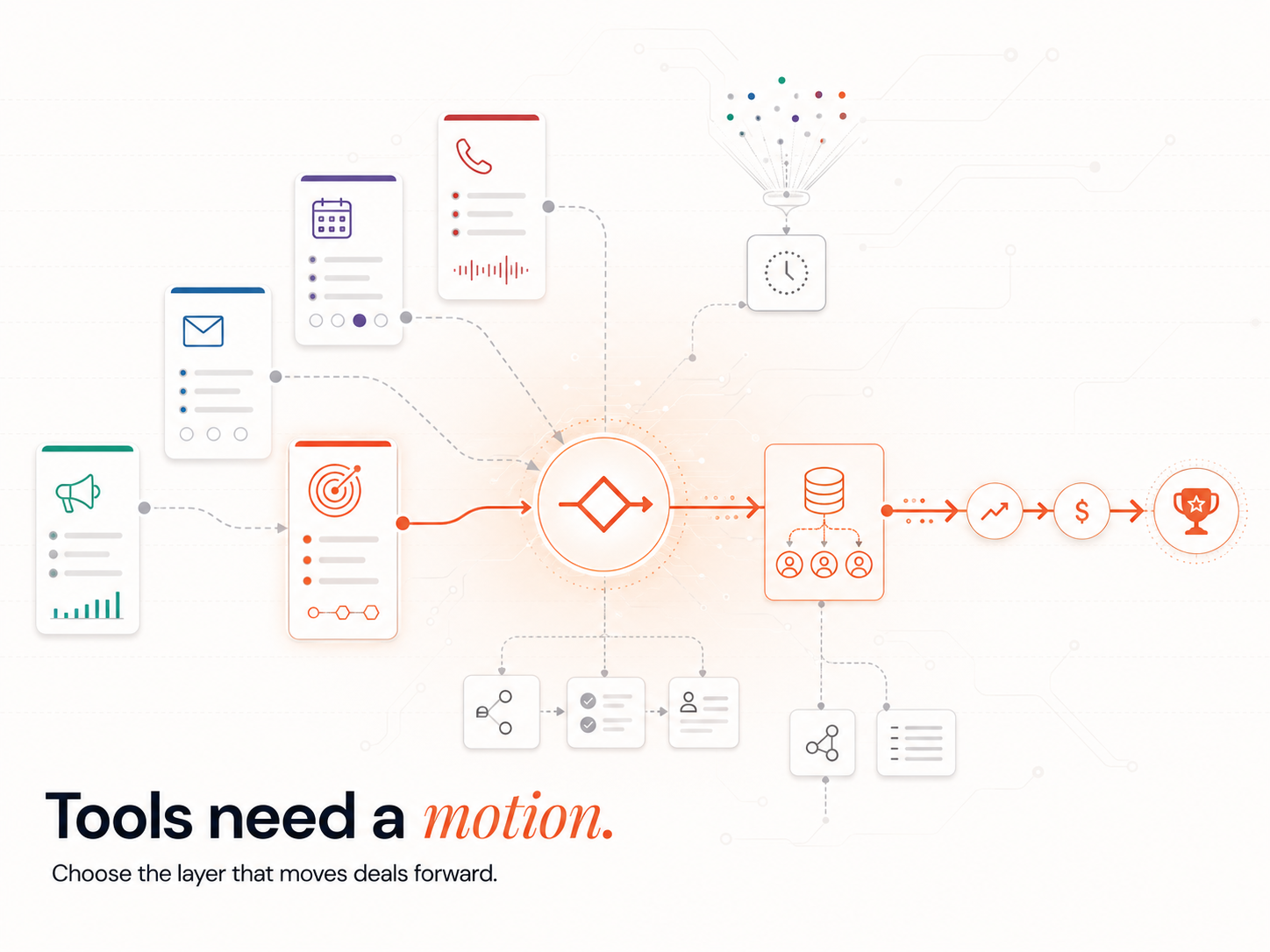
You build the AI-powered workflow by layering enrichment (Clay), CRM and signal routing (HubSpot), adaptive outbound (SmartLead), and orchestration (n8n) into one stack. Prospecting tools such as Outreach or Apollo sync with HubSpot through the same orchestration layer, so every signal fires once and updates every system in parallel.
Layering AI agents for lead scoring and engagement
AI agents handle three workflow tasks at the build stage:
- enrich leads with firmographic and behavioural data from Clay
- assign predictive scores based on buyer fit and readiness
- send tailored outreach through SmartLead when scoring crosses the threshold
HubSpot's 2024 AI Time Savers in Sales report found that using AI for administrative tasks saves salespeople an average of 2 hours per day. That is the difference between an SDR running 30 outreach hours a week and 40, which is why the AI agent layer is the highest-leverage build decision.
Dynamic task creation and reminders
Workflows fire reminders on conditional logic:
- If Proposal Sent, create reminder task in 3 days
- If no reply to demo request, assign follow-up email from SDR
These rules run inside HubSpot or n8n, removing the manual step where a rep tries to remember which deal needs a nudge.
Integration with prospecting tools
Outbound tools such as Outreach, Apollo, and SmartLead sync with HubSpot through n8n, which means every reply, opt-out, and engagement event updates the CRM record in real time. Automated B2B lead generation with Clay and n8n handles the enrichment and routing layer that most teams currently run manually inside spreadsheets.
For deeper integration logic, see how HubSpot and n8n work together to automate sales and marketing.
Step4: Which Workflow Templates Do B2B Teams Need?
B2B teams need three workflow templates: SDR (AI-augmented qualification and follow-up), AE (deal management with forecasting weighting), and CS (handover and renewal triggers). Each template uses conditional triggers to hand off the deal at the right moment, with built-in data hygiene that prevents the CRM rot that breaks most pipelines.
SDR templates
SDR workflow templates include:
- Triggered outreach sequences when a buying signal fires
- Automated follow-up steps for no replies (3, 7, and 14 days)
- Qualification task logic such as "book call, notify AE"
The template removes the manual notification step that breaks the SDR-to-AE handover. When the deal hits "Qualified", the AE assignment happens automatically inside HubSpot.
AE templates with forecasting weighting
AE workflow templates focus on deal management:
- Auto-move deals to Proposal Sent when document is delivered
- Auto-update Close date based on engagement
- Assign weighting (e.g. 70% likelihood to close) based on CRM activity
The forecasting layer reads stage velocity and deal engagement, replacing the rep gut-call with a weighted prediction the leadership team can plan against.
Why templates must include data hygiene logic
Templates must run continuous data hygiene because B2B contact data decays at 22.5% per year, according to 6sense's 2023 data decay analysis. Therefore CRM hygiene is not a one-off project, it is a workflow that the automation layer must run on its own.
Building an automated sales funnel using AI workflow automation covers the full template layer including the hygiene logic.
Multi-role collaboration flows
Workflow templates should support SDR to AE to CS transitions:
- Deal marked Closed-Won, assign CS onboarding task
- Onboarding complete, trigger Live stage and renewal cycle reminder
This split removes communication gaps because every handover fires on a measurable trigger rather than a manual ping.
Step5: How Should Pipeline Automation Map to Sales Capacity?
Pipeline automation must mirror real SDR and AE capacity, not maximum theoretical throughput. Use AI to forecast workload by stage velocity, identify stuck deals, and calculate rep bandwidth based on deal size and stage. Adjust automation pace as capacity changes, because more leads in a stalled pipeline produces no extra revenue.
Forecasting workload and capacity gaps with AI
AI tools forecast workload by analysing three inputs:
- stage velocity, how fast deals move from one stage to the next
- stuck deals, those without activity for a defined period
- rep bandwidth, calculated from average deal size, stage complexity, and current open deal count
Pipedrive's 2024 State of Sales and Marketing report found that 67% of AI adopters say it saves them 2 to 5 hours per week, with broader case studies showing 875 hours recovered annually through workflow automation.
Adjusting resourcing based on stage velocity
If deals at Proposal Sent are growing while Discovery deals shrink, this signals a qualification gap, because deals are queuing at proposal stage faster than new ones enter discovery. The fix is to increase top-funnel signal capture, not to add AE headcount.
Which buyer-intent signals matter most determines which deals deserve SDR time at a given capacity, because not every signal carries the same conversion weight.
Scaling automation by vertical, region, or product line
Once the system runs stably for one ICP, duplicate and customise it for:
- specific industries
- regional sales teams
- product-specific pipelines
When we scaled this layer for a SaaS client serving Australian education in late 2025, duplicating the template per ICP took less than two weeks per vertical, because the orchestration layer (n8n) abstracted the integrations away from the workflow logic.
Prospecting
In 2026, the B2B teams that win stop running pipelines on rep memory and start running them on signals. Intelligent Resourcing installs signal-led pipeline systems using Clay, HubSpot, n8n, and SmartLead, so deals progress on measurable triggers and handovers fire automatically.
FAQs
What are the key stages in an automated sales pipeline?
The standard stages are Lead Captured, Qualified (MQL or SQL), Discovery, Proposal Sent, Negotiation, and Closed-Won or Closed-Lost. Some teams add Onboarding as a post-close stage. Each stage needs a measurable entry trigger and exit condition, so automation rules can fire reliably across reps without depending on individual judgment calls.
How does AI affect stage progression logic?
AI moves deals to the next stage based on detected behaviour rather than rep input. When a buyer opens a proposal, books a follow-up meeting, or visits a pricing page, the AI scores the activity, recalculates the deal probability, and progresses the stage automatically. The rep is notified, not asked to log it. This removes the data-entry step that breaks most pipelines.
Can sales reps override automation triggers?
Yes. HubSpot and Salesforce both allow manual stage adjustment, and reps should override the system when they have context the data layer cannot see, such as a competitor reference call. The automation rules should be reviewed quarterly to identify where reps consistently override, because that pattern usually signals a missing trigger condition rather than rep error.
What tools integrate best with automated pipelines?
Salesforce, HubSpot, Outreach, Apollo, and Pipedrive all integrate with orchestration tools like Zapier, Make, and n8n. The strongest stack pairs Clay for enrichment, HubSpot for CRM and routing, SmartLead for outbound, and n8n for orchestration. The integration layer is the build decision that matters most, because individual tools without orchestration produce isolated workflows.
How do I know if my pipeline is under-resourced?
Three signals indicate under-resourcing: deals stalling at the same stage repeatedly, scheduled tasks getting skipped, or forecast lagging actuals by more than 15%. When automation surfaces these patterns, the fix is usually a workflow logic refinement rather than headcount addition, because adding reps to a broken workflow produces more stalled deals, not more revenue.