
How to Automate SDR Prospecting Without Hiring Another Sales Rep
If you're leading a B2B sales team, chances are your SDRs are drowning in manual prospecting. They jump between job boards, LinkedIn, spreadsheets, and CRMs just to build a list of companies and decision-makers that might be worth chasing. This manual process costs time, money, and wasted pipeline.
Manual research slows outbound, produces poor lead quality, and eats the productivity of your highest-potential reps. Scaling SDR headcount still be useful, but automation should remove manual research before adding headcount. The payoff is speed: InsideSales research found conversion jumps when a lead is worked within the first 5 minutes, and automation is what makes that response time possible at scale.
In this article, we walk through a real-world workflow that automates company and contact research, lead validation, and tiering. It uses n8n, Clay, Apollo, and a little help from AI. It is designed to save hours per week, improve lead quality, and scale outreach without scaling cost. If you're a Head of Sales, SDR Team Lead, or Revenue Ops Manager in a high-growth company, this one's for you.
How does job board scraping capture real buying signals?
Job board scraping captures buying signals by identifying companies hiring for roles linked to your ideal customer profile. A relevant hiring post can indicate budget, expansion, operational pressure, or a new business priority. That makes hiring activity a practical trigger for outbound timing, not just a source of company names.
Automating the intake of active hiring signals
Instead of manually checking job boards, this workflow scrapes job listings from platforms such as LinkedIn, Seek and Indeed. It uses job-title queries linked to your ICP to capture companies actively hiring for relevant roles.
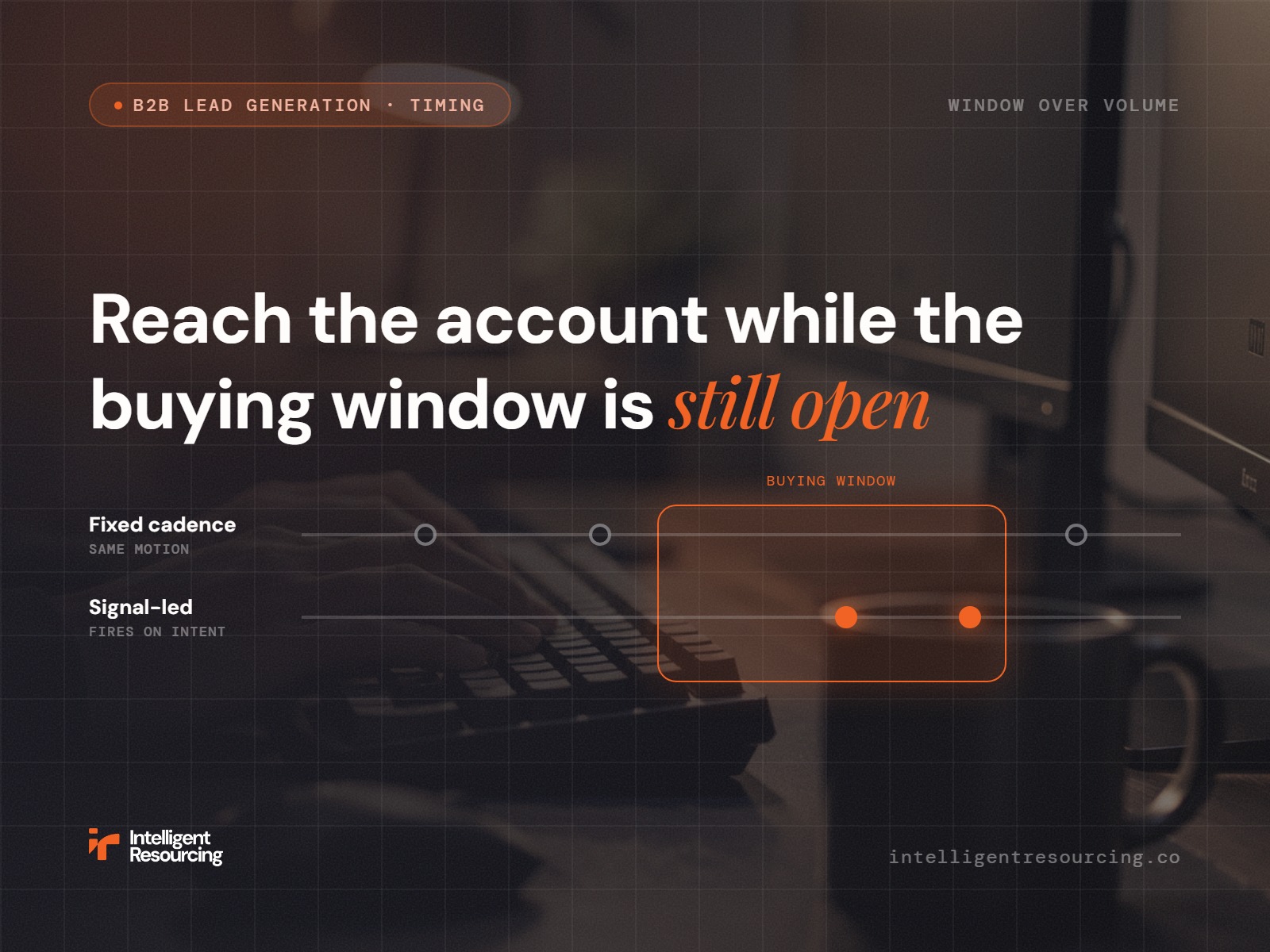
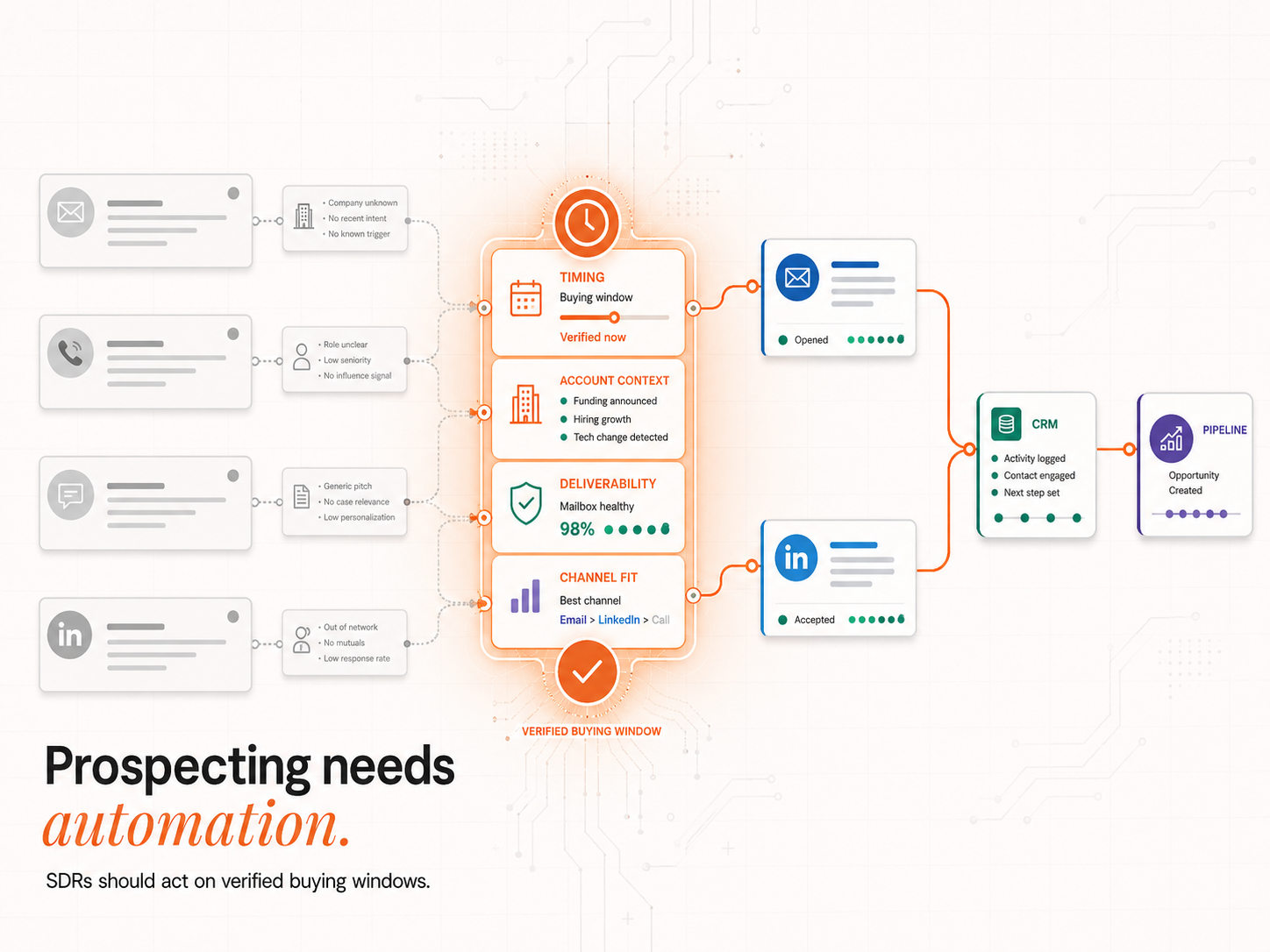
A company hiring for a role your product supports can indicate a Verified Buying Window. That does not mean the company is ready to buy immediately, but it does create a timely reason to investigate the account before competitors reach the same signal.
Hiring activity also becomes stronger when paired with job-change data. UserGems 2025 says its internal data shows new executives spend 70% of their budget within the first 100 days at a new company, which supports outreach timing around newly appointed decision-makers.
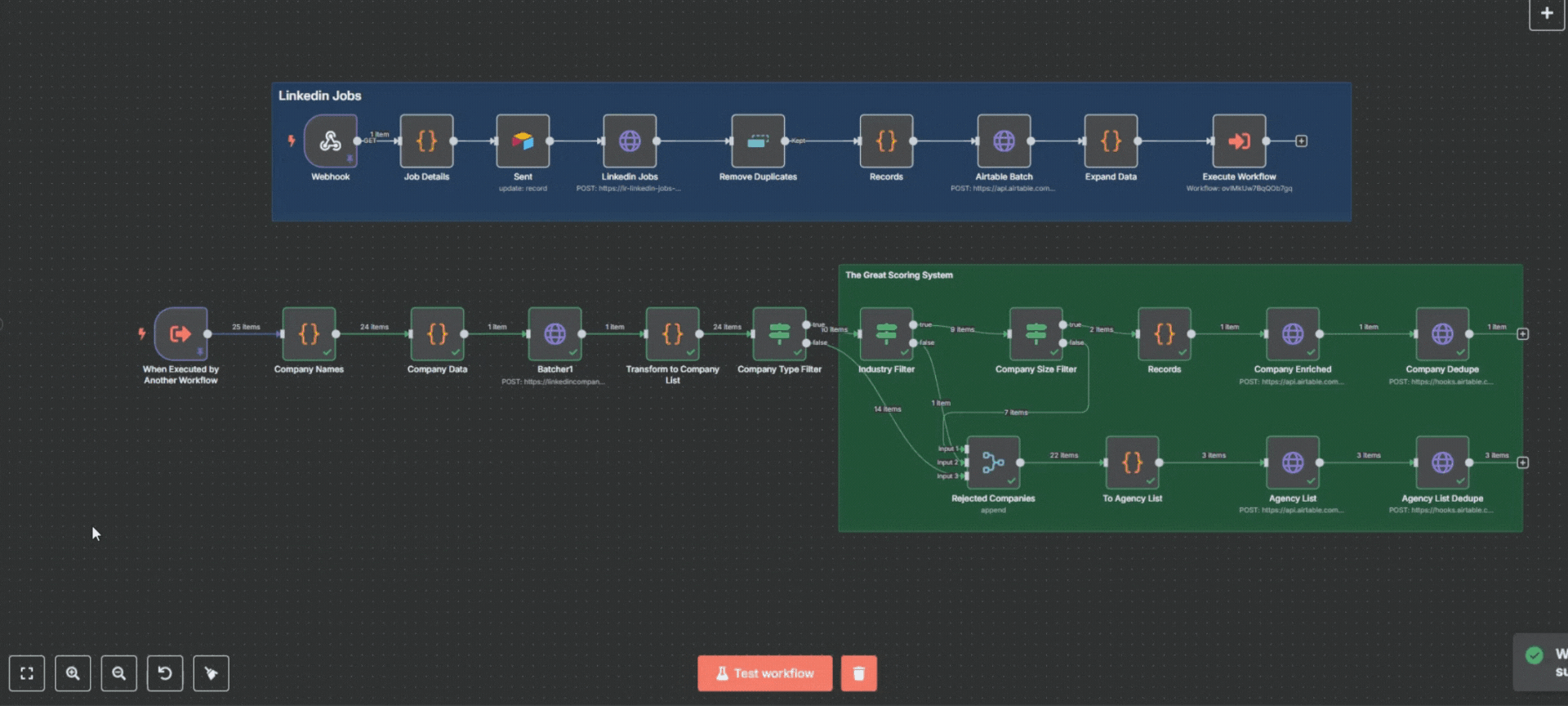
How does company enrichment remove poor-fit accounts?
Company enrichment removes poor-fit accounts by adding LinkedIn company data, employee context and exclusion filters before SDRs start outreach. In this workflow, enrichment separates recruiters, government bodies and irrelevant verticals from genuine target accounts, so reps work for companies that match the ICP before Apollo or Clay enrichment begins.
LinkedIn company scraping and surface filtering
Once job listings are scraped, a secondary workflow pulls in LinkedIn data such as basic company info and key employees. The system also applies surface-level filters to remove irrelevant verticals like recruitment agencies, government, or manufacturing. This ensures your SDRs never waste time on the wrong companies. The same discipline behind a high-fill enrichment workflow keeps these records actionable rather than half-empty.
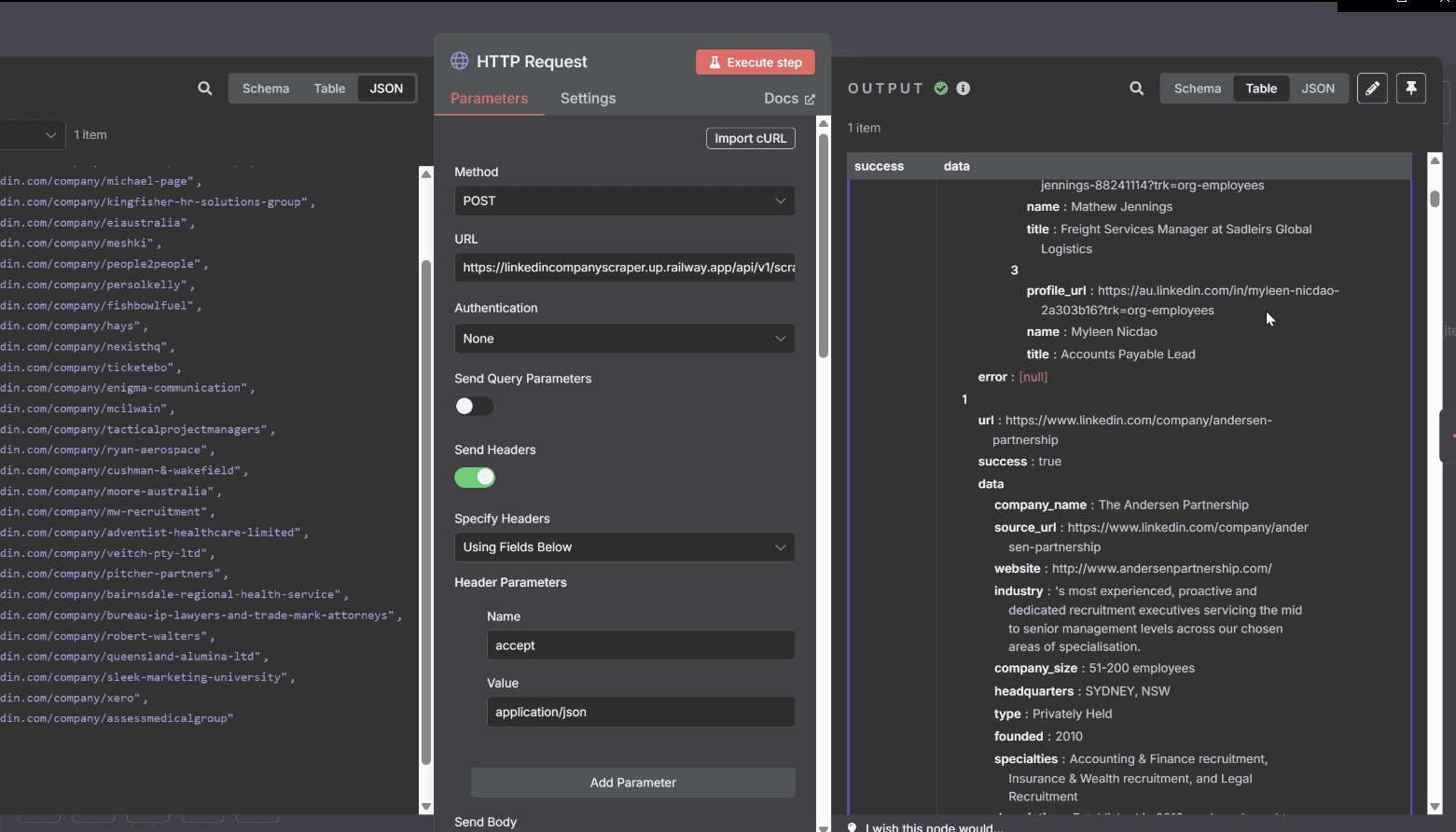
How do AI agents qualify companies beyond surface filters?
AI agents qualify companies beyond surface filters by reading websites, job descriptions and company data against a defined ICP. They check whether the company is a real end-user, whether the role indicates operational need, and whether the account matches the product use case before a lead reaches outreach.
Analysing websites and job descriptions
AI agents then take over to qualify companies on a deeper level. They analyse company websites and job descriptions to answer key questions:
- Is this a real end-user or just a recruiter?
- Is physical attendance required?
- Does the company actually fit your product's use case?
Only companies that pass all checks make it to the next stage. This is where the Signal Response Protocol gets its precision, well beyond what surface filters alone can do, because the system does not rely on a single surface-level filter. It combines job data, website evidence, ICP rules and routing logic before human review.
When Intelligent Resourcing implemented this AI qualification layer for a B2B outbound workflow, we observed that SDR effort shifted away from manual company research and towards final outreach judgement. The workflow worked because n8n handled routing, Apollo supported contact discovery, and Clay handled validation before a rep touched the record.
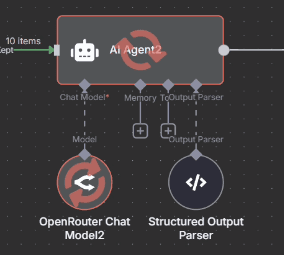
How does Apollo automate decision-maker discovery?
Apollo automates decision-maker discovery by matching qualified company records to relevant people, roles and contact data. Instead of asking SDRs to search LinkedIn manually.
Automated contact enrichment
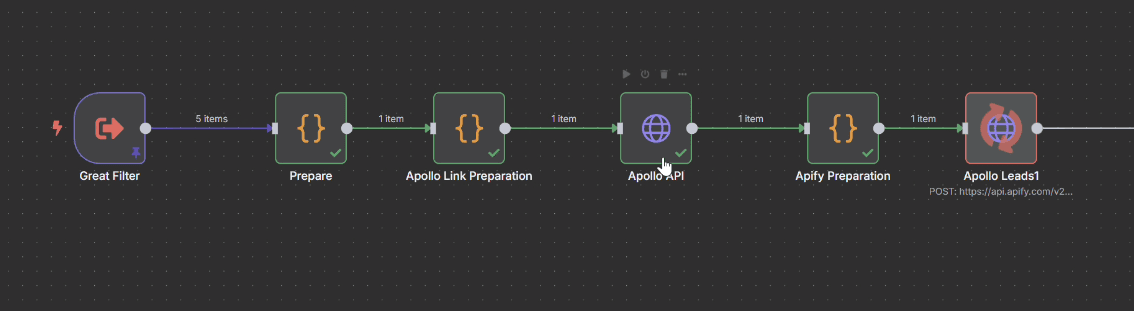
Now that you have a list of qualified companies, Apollo is used to automatically identify decision-makers, such as Sales Directors, Ops Leads, or IT Managers, without SDRs needing to dig through LinkedIn manually. These contacts are matched with company data to create enriched records, ready for validation and scoring.
How does Clay validate and tier leads before outreach?
Clay validates and tiers leads by combining enrichment, email checks and scoring rules before a contact reaches outreach. It helps separate phone-ready, LinkedIn-ready and cold-email-ready records, so SDRs do not send invalid emails, chase weak-fit accounts or treat every lead as having the same commercial value.
Clay scoring system + waterfall email checks
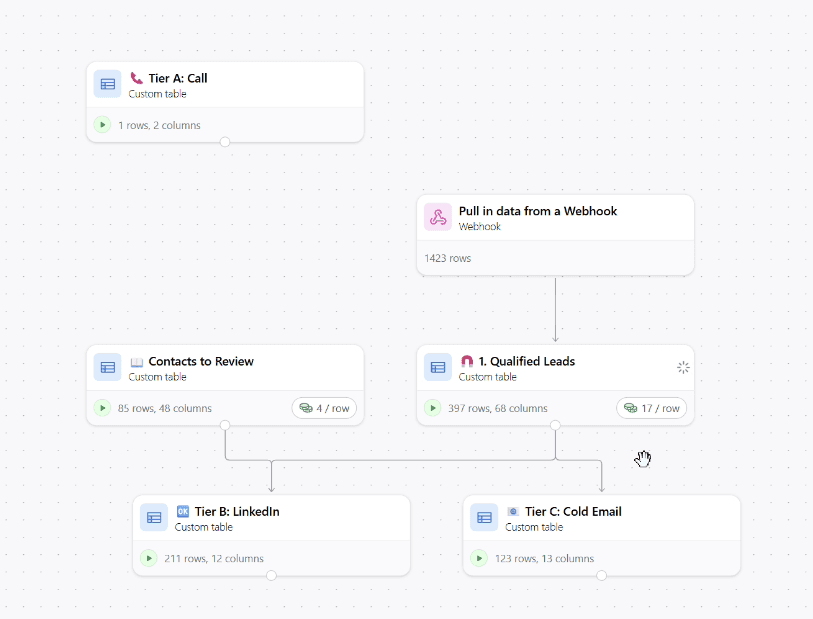
All enriched leads are passed into Clay, where real-time lead scoring ranks each record. Each lead is:
- Scored based on data completeness
- Checked for valid email addresses (including catch-all logic)
- Tier A: best-fit leads for phone outreach
- Tier B: good-fit leads for LinkedIn messaging
- Tier C: cold email targets with low engagement potential
Clay’s waterfall documentation explains how enrichment waterfalls use required inputs, provider logic and run settings to enrich contact data.
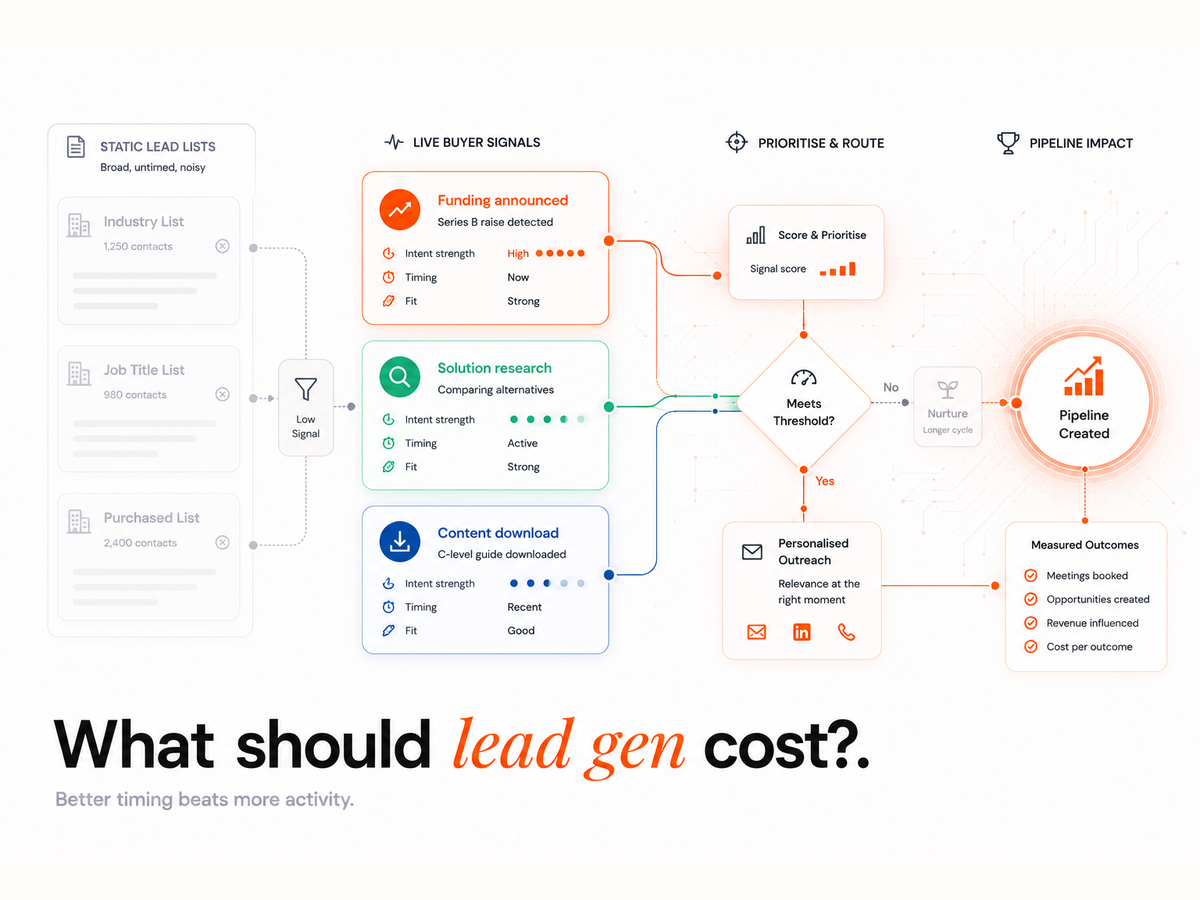
If an email is invalid: the workflow dynamically reroutes outreach to LinkedIn instead of letting leads fall through the cracks. Keeping the bounce rate under 2% protects sender reputation, per ZeroBounce, which is exactly why validation runs before any send. Routing by signal rather than blasting by volume is the difference between outbound that books meetings and outbound that burns sender reputation.
How does this reduce the need for SDR headcount?
It removes 80 to 90% of manual research tasks, such as scraping, data entry, enrichment, and validation. This lets your SDRs focus purely on outreach and closing.
What happens if email addresses are invalid?
The workflow automatically checks if a valid LinkedIn profile exists and routes those leads into a LinkedIn outreach stream, ensuring no lead is wasted.
Can we customise the filters to match our ICP?
Yes. Filters can be tailored to exclude specific industries, company sizes, or job-post keywords, making the system adaptable to your go-to-market strategy.
How accurate is the lead scoring?
Lead scores are based on the volume and quality of available data. More complete, enriched records are prioritised, so your reps work the most actionable leads first.
Lead Generation
This isn't just about saving time. It's about improving how your sales team operates. With this workflow in place, you prioritise leads based on real intent signals, eliminate bounces and bad-fit accounts, and scale pipeline generation without increasing headcount.